How to Compress a PDF on iPhone (Without Turning It into a ZIP)
Clear steps · Accurate results
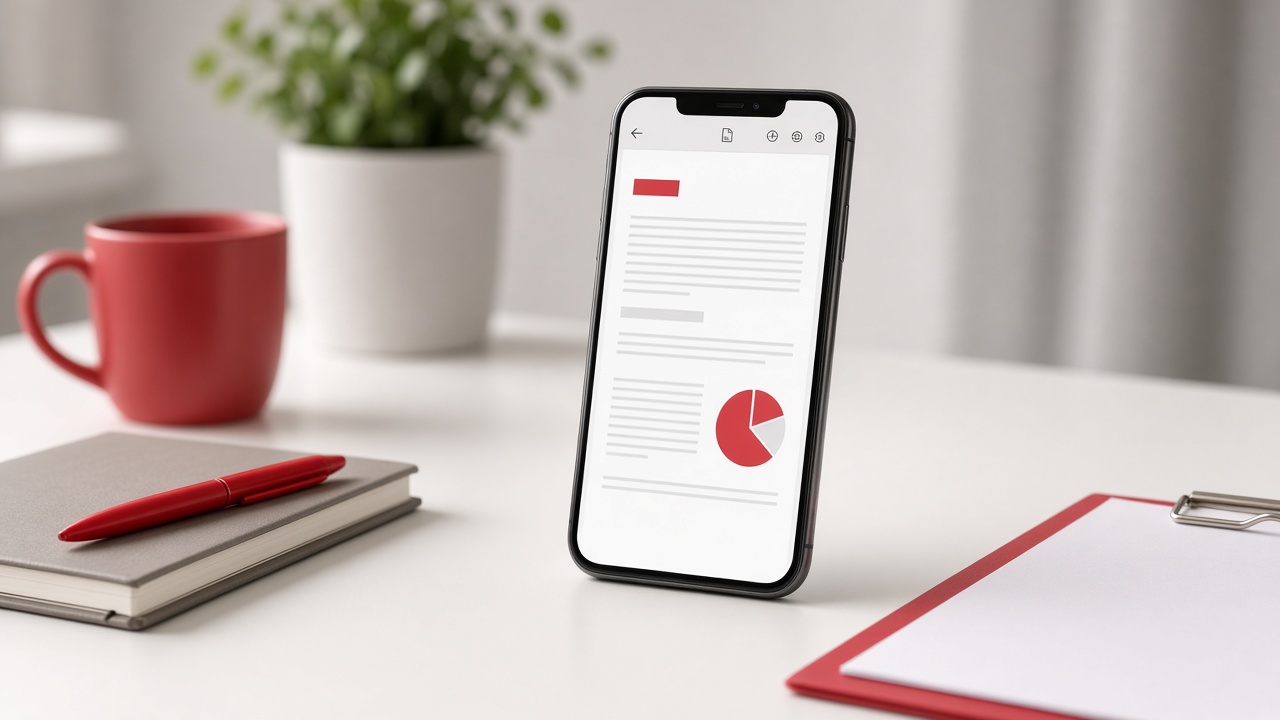
How to Compress a PDF on iPhone (Without Turning It into a ZIP)
You need to send a PDF from your iPhone. Email rejects it. WhatsApp stalls. A job portal wants “under 1MB.” Moving the file to a laptop just to shrink it feels ridiculous.
iPhone’s Files app has a button labeled Compress — but that builds a ZIP. It does not shrink the PDF. Preview can export images, not a leaner PDF. The straight path is a PDF compressor in Safari.
What “Compress” means on iPhone (and what it doesn’t)
In Files, Compress packs one or more items into a .zip. A 12MB PDF often stays near 12MB inside that archive because PDFs are already packed internally. Upload forms that only accept PDF will reject the ZIP anyway.
What you actually want is PDF compression: fewer image bytes inside the document, same page size, still a .pdf you can open and upload.
Compress a PDF on iPhone with PDFTrusted (Safari)
Open Compress PDF in Safari on your phone. No App Store install. Work from Files or iCloud Drive.
- Open pdftrusted.com/compress-pdf in Safari.
- Tap Choose files and pick the PDF from Files or Downloads.
- Start with Recommended when the file is only a little over the limit.
- Use Extreme for scanned forms and strict portal caps.
- Download the result, then Share → Save to Files or attach it to Mail / WhatsApp.
- Open the download once and zoom a page before you delete the original.
Which level to pick
Recommended is the calm default for contracts, resumes, and school PDFs that still need sharp text. Extreme is for scans and photo-heavy pages that must fit under a hard ceiling.
If Extreme softens a stamp or ID number, switch back to Recommended and remove unused pages first — quieter than crushing quality twice.
When Preview and Files still help
Use Files to gather pages or rename downloads. Use Preview to check the result. Use PDFTrusted when the file itself must get smaller and stay a PDF.
FAQ
Does the Files app shrink a PDF on iPhone?+
No. Files “Compress” creates a ZIP. Use a PDF compressor if you need a smaller .pdf for email or uploads.
Can I compress a scanned PDF on iPhone?+
Yes. Scans shrink well because each page is mostly image data. Start with Extreme if the portal limit is tight, then check readability.
Will compression remove a password?+
Compression is for size, not unlock. If the file is locked, unlock it first with the password you know, then compress.
Is PDFTrusted free on iPhone?+
Yes within daily free uses. Students get extra free uses. The Compress page stays calm and ad-free while you work.