Smallpdf vs PDFTrusted: An Honest Comparison
Facts checked on · By the PDFTrusted team
Smallpdf is a polished Swiss PDF suite with unlimited AI tools and e-signatures on Pro. PDFTrusted is a newer, privacy-first alternative that runs everyday tools on your own device for about half the price.
Here is how they compare on tools, ease of use, privacy, apps, AI and price — including where Smallpdf is the better choice. Competitor facts come from Smallpdf’s own pricing and tool pages.
Transparency note: PDFTrusted wrote this comparison, so we have tried hard to be fair. Competitor prices and features come from their own public pages, linked in Sources. If anything has changed, tell us and we will update it.
Executive Summary: Our Recommendation
👉 Smallpdf wins on polish and extras: a friendly guided interface, unlimited AI including translation, Sign.com signature requests, mobile and Windows apps, and team plans.
👉 PDFTrusted wins on privacy and price: everyday tools run on your device, the free plan gives 20 jobs a day without ads, and Pro is $5.99 a month or $49 a year.
We compared them across six areas:
- 1Essential PDF Tools
- 2Ease of Use
- 3Privacy and Security
- 4Devices and Apps
- 5AI Features
- 6Pricing and Free Plan
💡 Tip: Many people use both: a privacy-first tool for personal files like IDs and bank statements, and a full suite when they need e-signature requests or translation.
Comparison Summary: Smallpdf vs PDFTrusted
Stars show how strong each product is in that area. 🏆 marks the leader when there is one.
 PDFTrusted
Essential PDF Tools
Polished: 30+ tools with a guided flow for each.
Focused: 37 everyday tools; a few specialist ones still missing.
Ease of Use
Guided: Friendly, step-by-step screens for every task.
Calm: One job per screen, built for phones first.
Privacy and Security
Certified: ISO/IEC 27001, GDPR, CCPA, nFADP, deleted after 1 hour.
On-device: Everyday tools never upload; server jobs deleted within 1 hour.
Devices and Apps
Broad: Web, Windows, iOS and Android.
Web-only: Any modern browser on phone or desktop; no native apps.
AI Features
Broadest: Chat, summarize, translate and questions; unlimited on Pro.
Focused: Chat, summarize and questions on up to 200 pages.
Pricing and Free Plan
Bundled: $108 a year with AI and Sign.com included.
Low monthly: $5.99 a month or $49 a year; ad-free free plan.
Best for
People and small teams who want a polished all-in-one PDF app with unlimited AI tools, e-signature requests and mobile apps in one subscription.
Visit SmallpdfStudents, professionals and anyone handling personal documents who want everyday PDF jobs done privately on their own device, ad-free, at the lowest monthly price.
Try PDFTrusted freeSmallpdf vs PDFTrusted at a Glance
| Feature | Smallpdf | PDFTrusted |
|---|---|---|
| Free plan | Yes, daily download limit | Yes, 20 jobs a day |
| Paid plan (monthly) | $12 | $5.99 |
| Paid plan (yearly) | $108 | $49 |
| Max file size (paid) | Unlimited | 100 MB |
| Everyday tools on your device | No, server | Yes, 20 tools |
| Server files deleted | After 1 hour | Within 1 hour |
| ISO/IEC 27001 | Yes | No |
| Signature requests | Yes (Sign.com) | No, self-sign only |
| Redact / compare | Redact | Not yet |
| AI tools | Chat, summarize, translate, questions | Chat, summarize, questions |
| Apps | Windows, iOS, Android | Browser only |
| Interface languages | 24 | 18 |
Prices in USD for one user, before tax, as listed on October 1, 2026.
What is Smallpdf?
“We make PDF easy.”
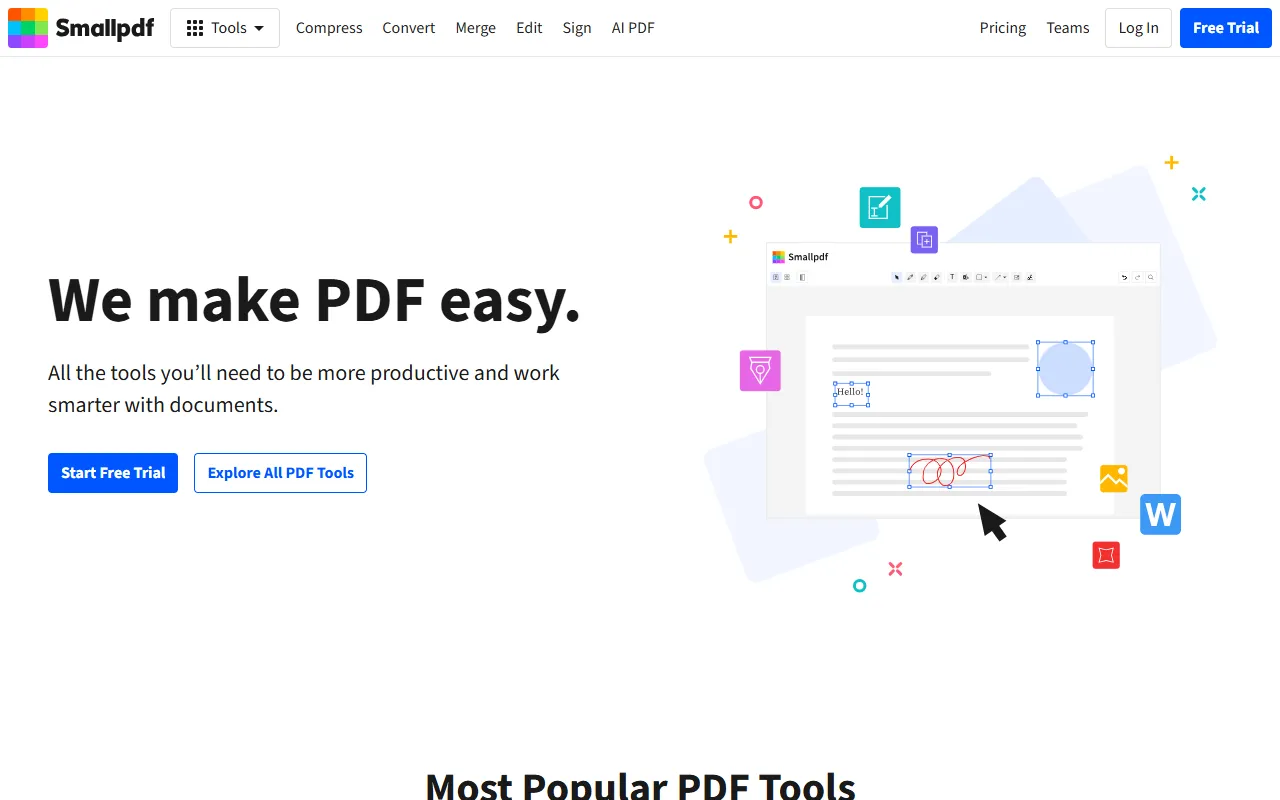
Smallpdf was made in Switzerland in 2013, starting with a single tool to compress PDFs. It now offers 30+ tools and says it has served over a billion people, with 40+ million monthly users.
It is ISO/IEC 27001 certified and compliant with GDPR, CCPA and the Swiss nFADP. Files are encrypted with TLS and, per Smallpdf, deleted from its servers after one hour.
The product is known for a clean, friendly interface. The Pro plan bundles strong compression, text editing, OCR, unlimited AI tools and a Sign.com Premium subscription for signature requests, with mobile apps and a Windows app.
Best for: People and small teams who want a polished all-in-one PDF app with unlimited AI tools, e-signature requests and mobile apps in one subscription.
What is PDFTrusted?
“Free PDF tools for every task, on any device”
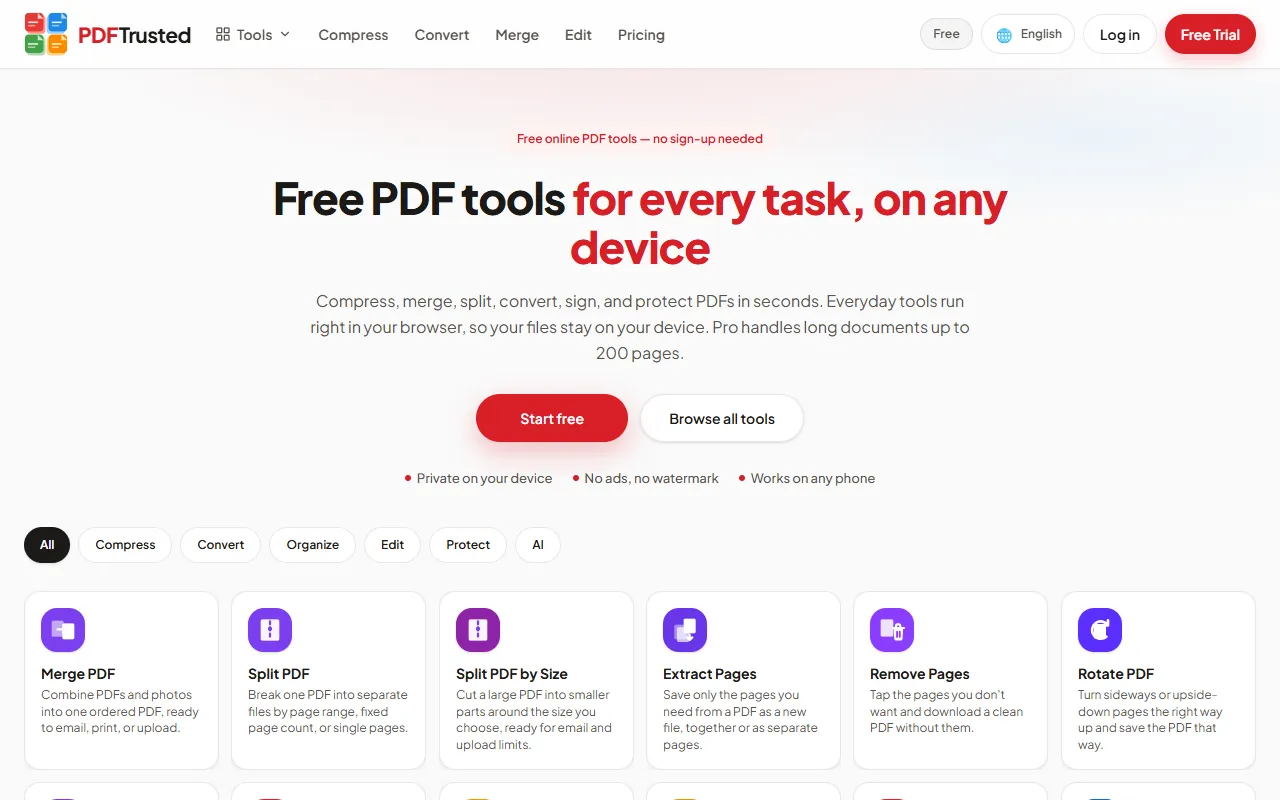
PDFTrusted is a newer, privacy-first PDF toolkit with 37 tools for organizing, compressing, converting, editing, signing, protecting and AI work. It is available in 18 languages and works in any modern browser on phone or desktop.
Its difference is where files go. Twenty everyday tools — merge, split, organize, compress, edit, sign, watermark, protect, unlock, image tools and more — run entirely inside your browser, so those files are never uploaded. OCR, Office conversion and AI run on a secure server, and those files are deleted within one hour.
The free plan has no ads, no watermark and needs no account for basic work. Pro is $5.99 a month or $49 a year and raises jobs to 200 pages, files to 100 MB, and adds 1 GB of storage.
Best for: Students, professionals and anyone handling personal documents who want everyday PDF jobs done privately on their own device, ad-free, at the lowest monthly price.
Smallpdf vs PDFTrusted: Essential PDF Tools
Smallpdf has a few more specialist tools; PDFTrusted matches the core jobs and runs most of them on your device.
PDFTrustedMost people use a handful of tools again and again: merge, compress, convert to and from Word, and sign. We looked at how each product handles those jobs, and what extra tools are there when you need them.
Merging and organizing PDFs: both are easy; PDFTrusted keeps the files on your device
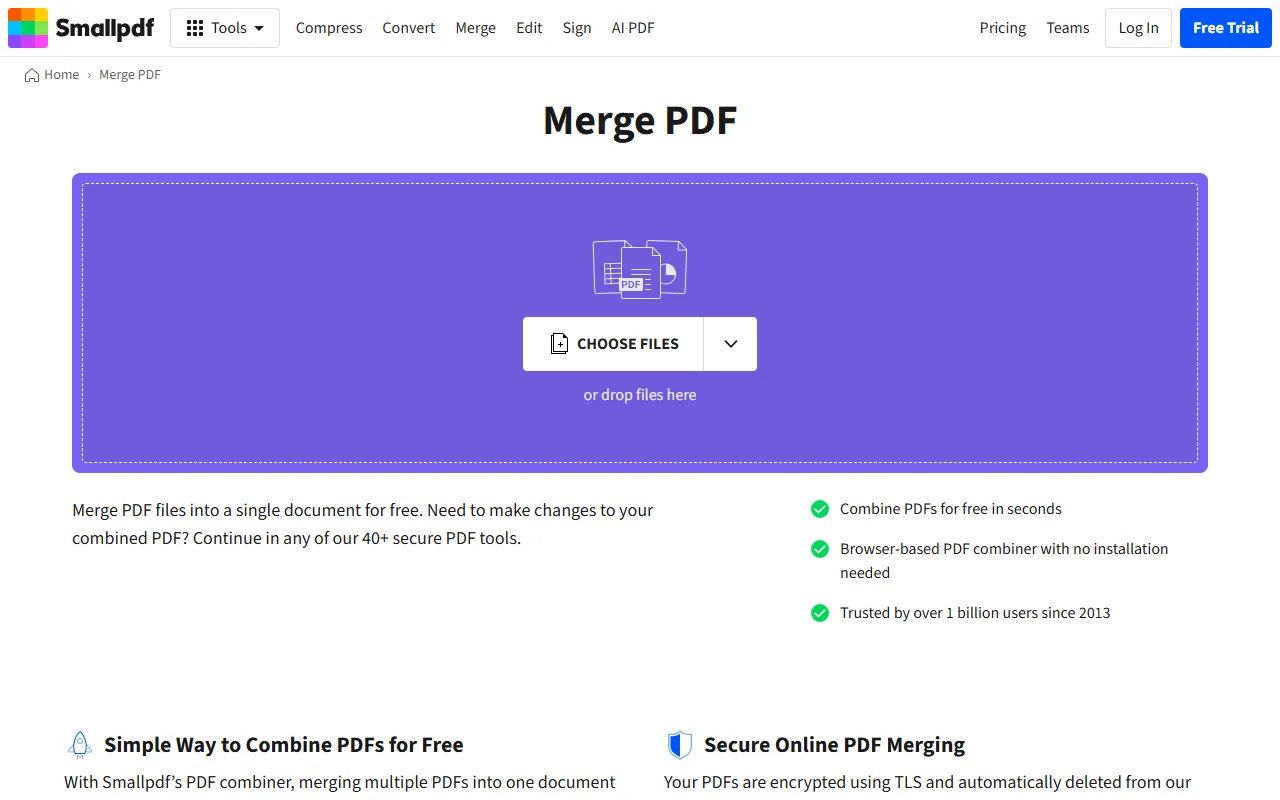
Smallpdf: Smallpdf’s merger is a browser-based combiner with no installation: drop your files, arrange them and combine. Files are encrypted with TLS and removed from its servers after one hour.
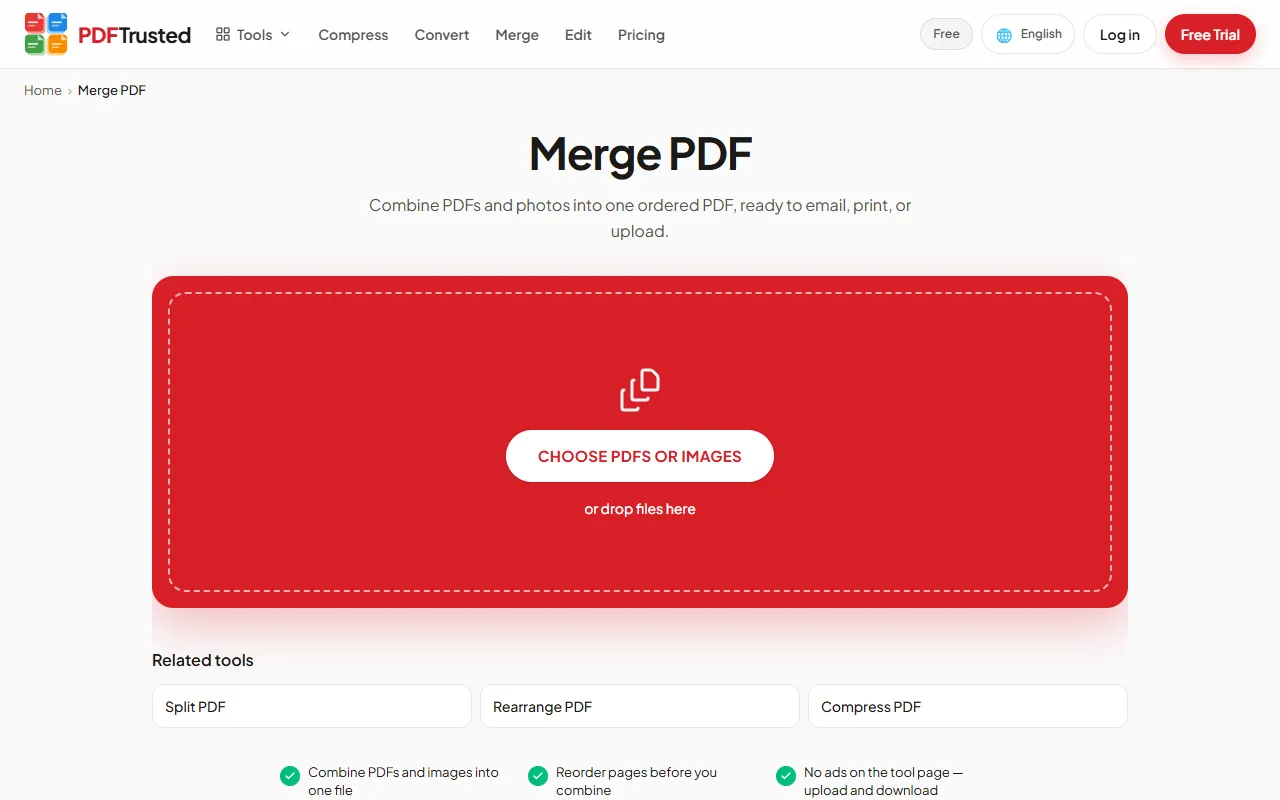
PDFTrusted: PDFTrusted merges PDFs and photos (JPG, PNG, HEIC and more) into one file, with page reordering and blank-page insertion. The whole job runs inside your browser, so the files never leave your device. Split, extract, delete, rotate and organize work the same way.
Compressing PDFs: Smallpdf reserves its strongest level for Pro; PDFTrusted compresses on your device for free
Smallpdf: Smallpdf says it can reduce PDF size by up to 99%. Basic compression is free; Strong Compression is a Pro feature. Like merge, files are deleted from its servers after one hour.
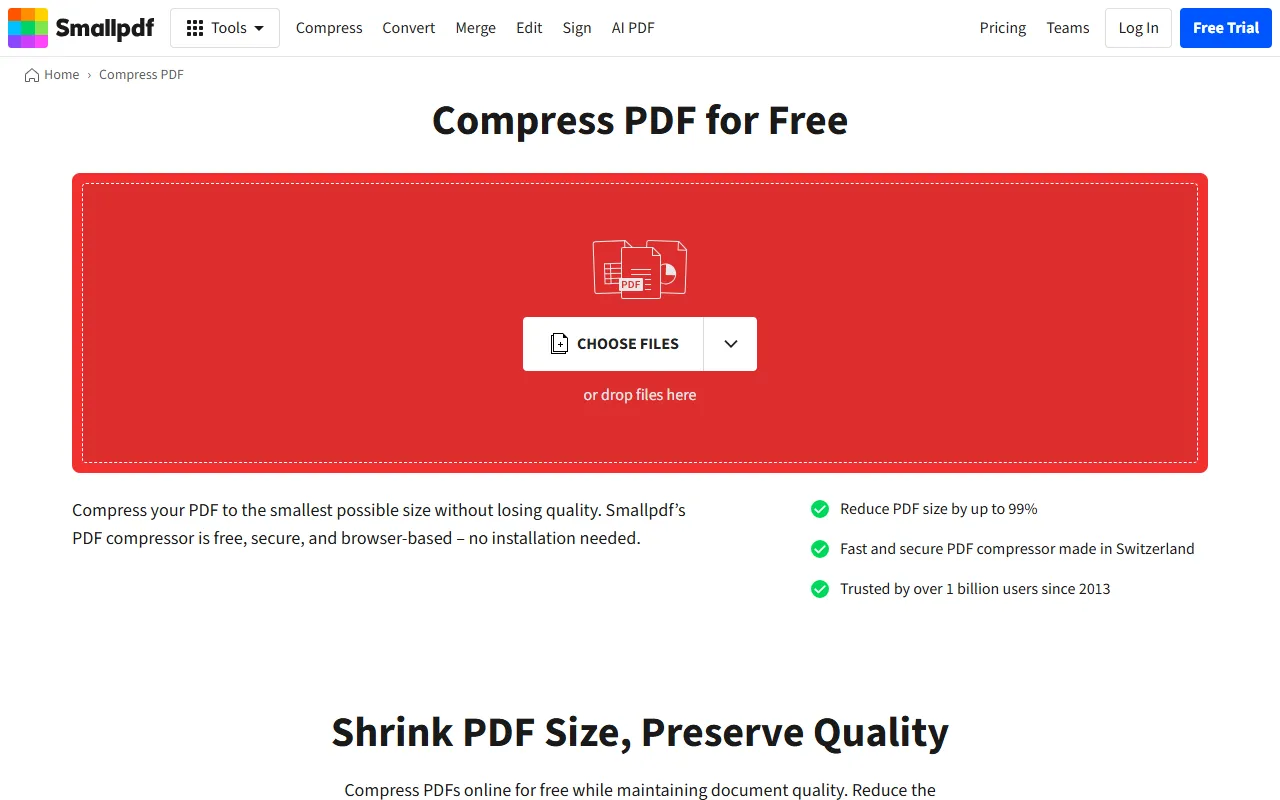
PDFTrusted: PDFTrusted compresses in your browser and shows the size before and after. You choose Extreme, Recommended or Less, which helps with strict upload limits like 100 KB or 200 KB. Free files can be up to 25 MB.
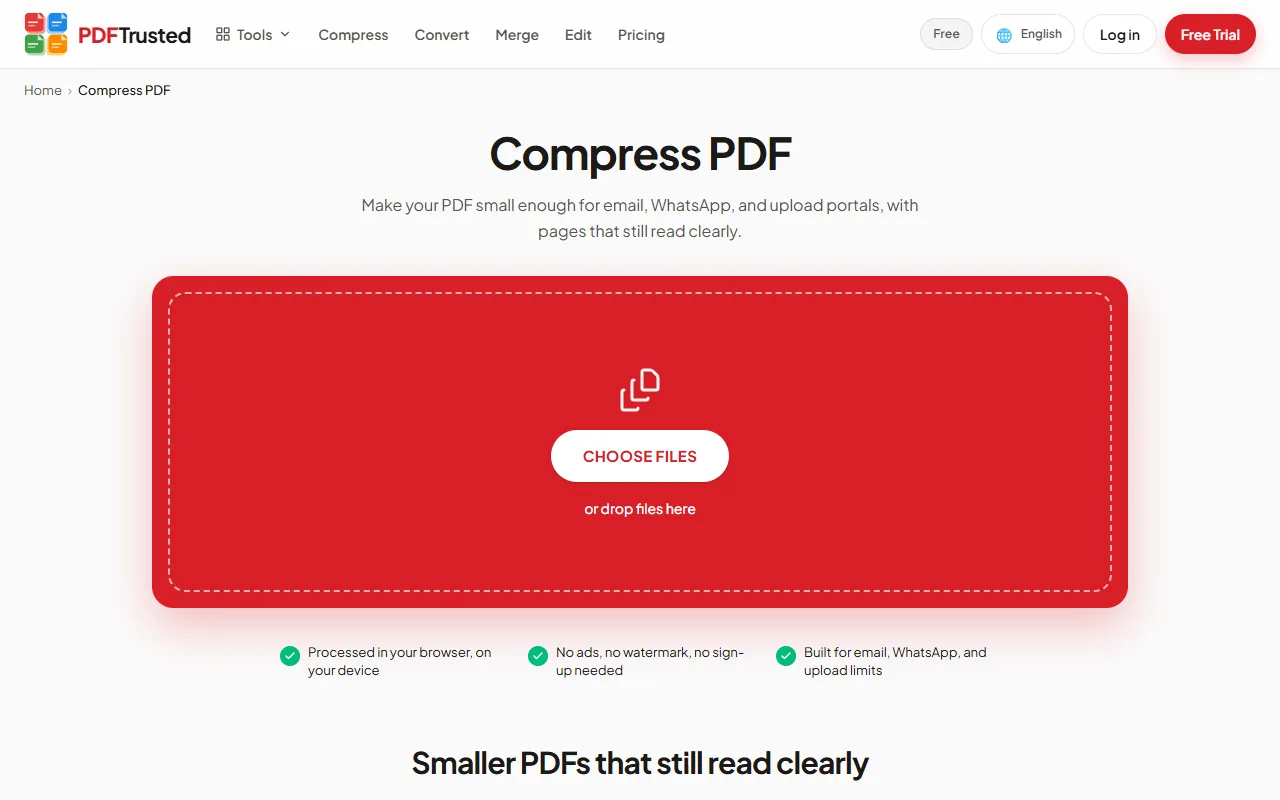
Converting to and from Office: both convert both ways; Smallpdf adds OCR conversion on Pro
Smallpdf: Smallpdf converts to and from Word, Excel, PowerPoint and images, and also handles HWP, Pages, EPUB, ZIP and CSV to PDF. OCR inside PDF to Word, Excel and PPT is a Pro feature.
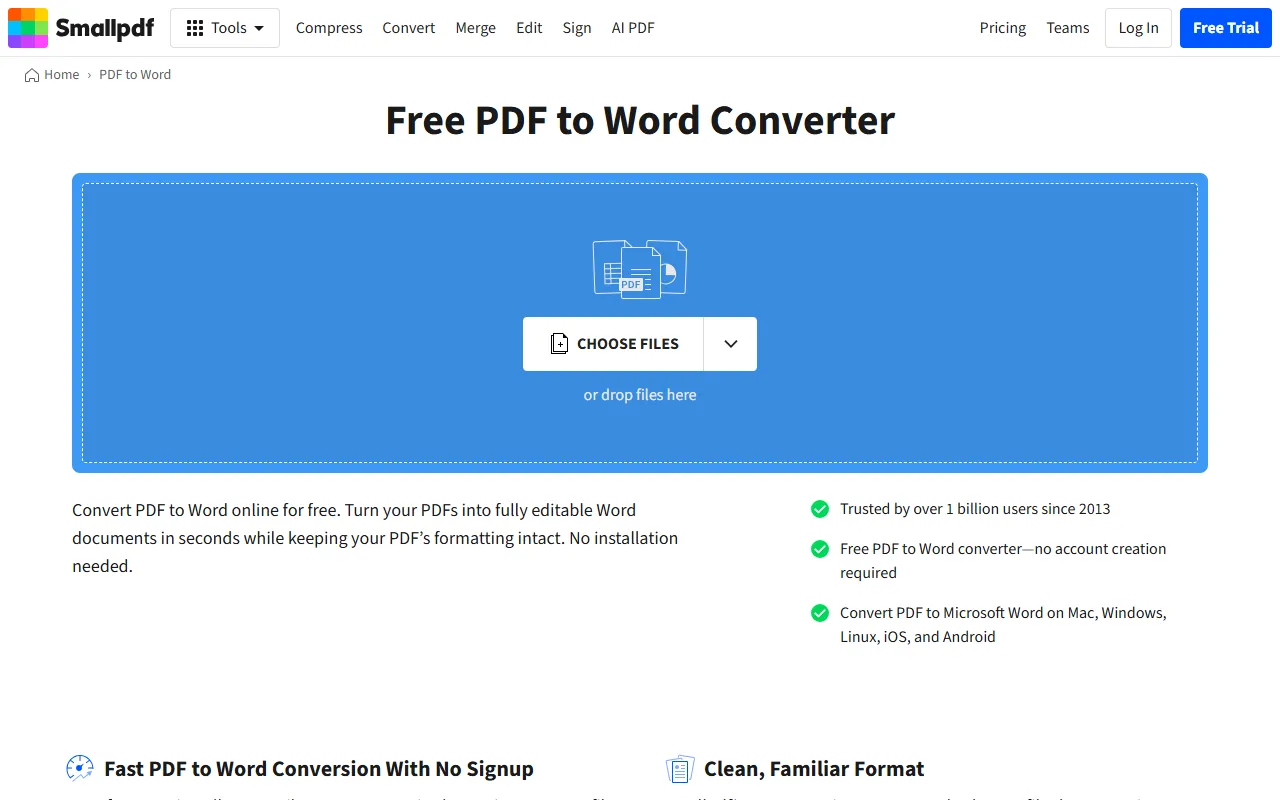
PDFTrusted: PDFTrusted converts PDF to Word, Excel and PowerPoint and back, plus OpenOffice files, RTF, HTML, web pages (URL), EPUB, TXT, CSV and ZIP to PDF. Office conversions run on a secure server and the files are deleted within one hour. Free conversions handle up to 20 pages.
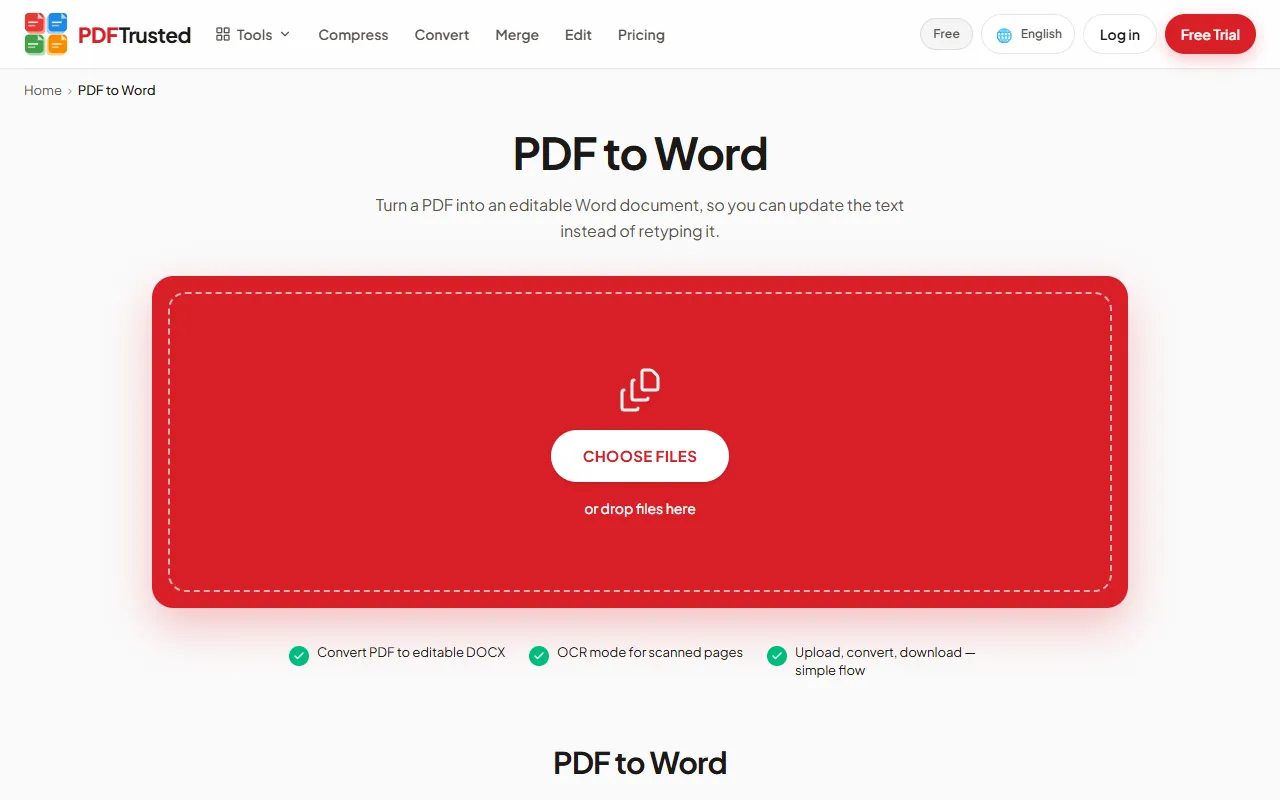
Signing and specialist tools: Smallpdf adds signature requests and redaction; PDFTrusted signs privately on your device
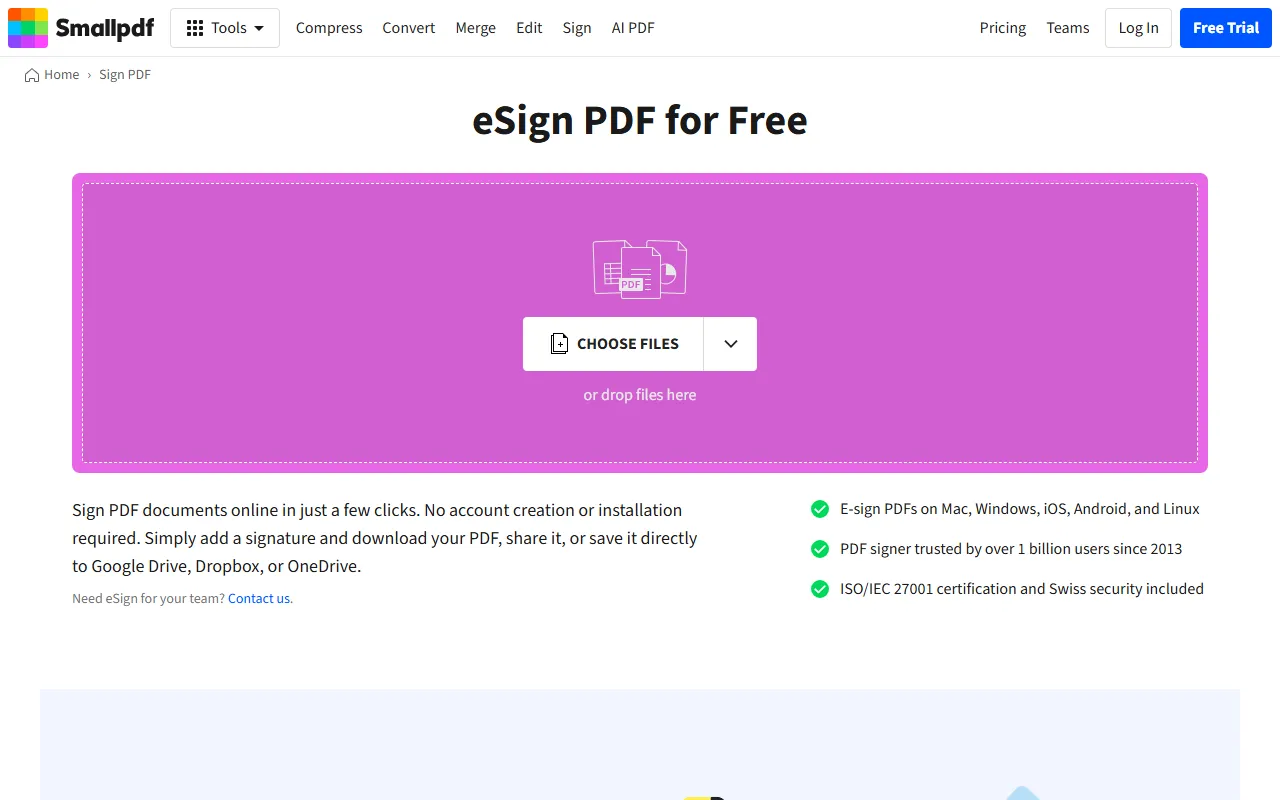
Smallpdf: Smallpdf signs documents and, through the Sign.com Premium subscription included in Pro, sends signature requests with templates and an activity timeline. It also has redaction, crop, flatten, a form filler and an annotator.
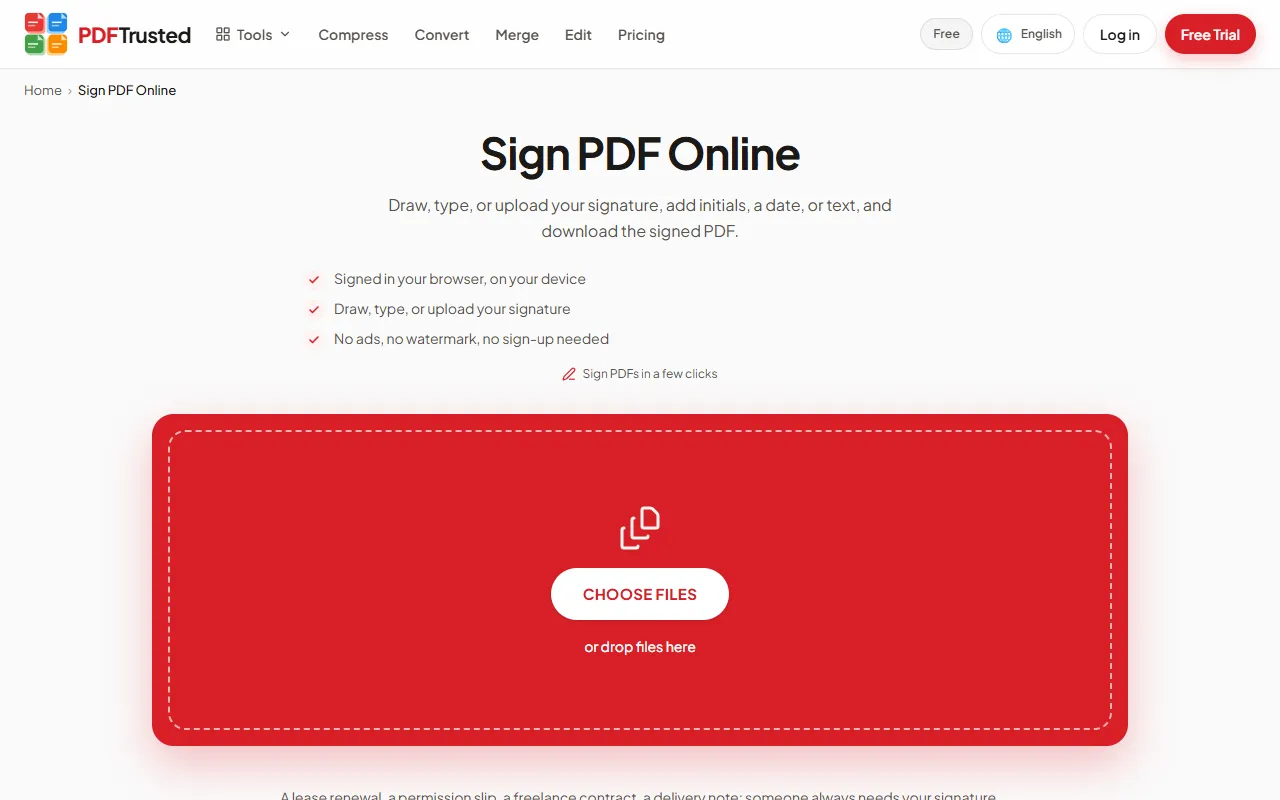
PDFTrusted: PDFTrusted’s Sign PDF lets you draw, type or upload your signature and place it on any page, all inside your browser. It also edits text, adds watermarks and page numbers, protects and unlocks PDFs, and repairs damaged files. Signature requests, redaction and compare are not available yet.
Verdict: Smallpdf has more specialist tools, including redaction, a form filler and signature requests. For the everyday set — merge, compress, convert, sign, protect — both do the job well, and PDFTrusted keeps most of those files on your device.
Smallpdf vs PDFTrusted: Ease of Use
Both are easy: one tool per page, one upload button, one download.
PDFTrustedOnline PDF tools win or lose on the first minute. We looked at how quickly a new visitor can find the tool, understand the options and download a result — on desktop and on a phone.
Interface and first-time experience: a tie — both get you from upload to download in a few clicks
Smallpdf: Smallpdf leads with “We make PDF easy.” and keeps that promise: spacious pages, a big drop zone, and a short plain-language explanation of each tool right below it.
PDFTrusted: PDFTrusted uses one job per screen with plain options, large tap targets and a result card showing what changed (for example, the size saved). The same layout works on phones, so finishing a form upload from a mobile browser is as easy as on a laptop.
Languages and help: Smallpdf offers more languages; PDFTrusted localizes each tool page in 18
Smallpdf: Smallpdf’s language menu lists 24 languages, with a help center, a blog full of how-to guides, and priority support on paid plans.
PDFTrusted: PDFTrusted is available in 18 languages, each with native, translated tool pages and URLs. Every tool page includes a step-by-step guide and FAQ, and support is by email (priority on Pro).
Verdict: Both are easy. Smallpdf is very guided with a friendly design; PDFTrusted is built phone-first and shows a clear result after every job.
Smallpdf vs PDFTrusted: Privacy and Security
Smallpdf is ISO/IEC 27001 certified and deletes uploads after 1 hour; PDFTrusted avoids uploading everyday files at all.
PDFTrustedBank statements, IDs, contracts and medical letters all pass through PDF tools. Security has two parts: how well a provider protects files on its servers, and whether the files need to reach a server in the first place.
Where your files are processed: PDFTrusted processes everyday tools on your device; Smallpdf uses its servers
Smallpdf: Files are uploaded over 256-bit TLS and processed on Smallpdf’s servers. Its tools are browser-based in the sense that nothing needs installing, but the processing happens server-side.
PDFTrusted: Twenty everyday tools — merge, split, organize, rotate, compress, edit, sign, watermark, page numbers, protect, unlock, repair and image conversions — run inside your browser using your device. For those jobs the file is never uploaded. OCR, Office conversion and AI need a server and are sent over HTTPS.
Retention, encryption and certifications: Smallpdf has formal certification; both delete server files within an hour
Smallpdf: Smallpdf is ISO/IEC 27001 certified, GDPR, CCPA and nFADP compliant, and undergoes annual security audits. It automatically deletes files from its servers after one hour.
PDFTrusted: Server-side jobs are cleaned up after processing and deleted within one hour at most. PDFTrusted does not keep a document archive unless you choose to save files to Pro Storage. It does not yet hold an ISO/IEC 27001 certificate.
Verdict: For certified compliance across GDPR, CCPA and nFADP, Smallpdf is strong. For keeping everyday files off servers entirely, PDFTrusted has the edge.
Smallpdf vs PDFTrusted: Devices and Apps
Smallpdf offers mobile and Windows apps; PDFTrusted runs in the browser on any device.
PDFTrustedSome people live in the browser; others want an app on the desktop or phone, with offline access and a scanner. Here is what each product offers beyond its website.
Web, desktop and mobile: Smallpdf has native apps; PDFTrusted needs nothing installed
Smallpdf: Smallpdf offers iOS and Android apps with a PDF scanner, plus a Windows app. The free plan has limited mobile access; Pro unlocks it fully.
PDFTrusted: PDFTrusted has no app to install. Every tool is designed to work in a phone browser with large controls, and on-device tools keep working even on slow connections once the page has loaded. There is no native scanner app yet.
Verdict: Smallpdf wins on apps, especially its mobile scanner. PDFTrusted is a good fit if you would rather not install anything.
Smallpdf vs PDFTrusted: AI Features
Smallpdf has the broadest AI set; PDFTrusted covers chat, summaries and study questions.
PDFTrustedAI tools that summarize long reports, answer questions or translate documents are now a standard part of PDF suites. We compared what each offers and how much you can use it.
What the AI tools can do: Smallpdf adds translation; both offer chat, summaries and questions
Smallpdf: Smallpdf’s AI PDF Assistant includes Chat with PDF, an AI summarizer, Translate PDF and an AI question generator. Pro gives unlimited access, with documents up to 50 MB and 100k words.
PDFTrusted: PDFTrusted offers Chat with PDF, Summarize PDF and a question generator for study and review, each with Standard and Advanced AI. Free covers up to 15 pages; Pro handles up to 200 pages per job. Translation is not available yet.
Verdict: Smallpdf Pro is the stronger AI package, including translation. PDFTrusted covers chat, summaries and questions for less.
Smallpdf vs PDFTrusted: Pricing and Free Plan
PDFTrusted costs about half: $5.99 vs $12 a month, or $49 vs $108 a year.
PDFTrustedAll three have a free plan and a paid plan for individuals. The real difference is what the free plan allows, how much monthly billing costs compared with yearly, and what each paid plan bundles.
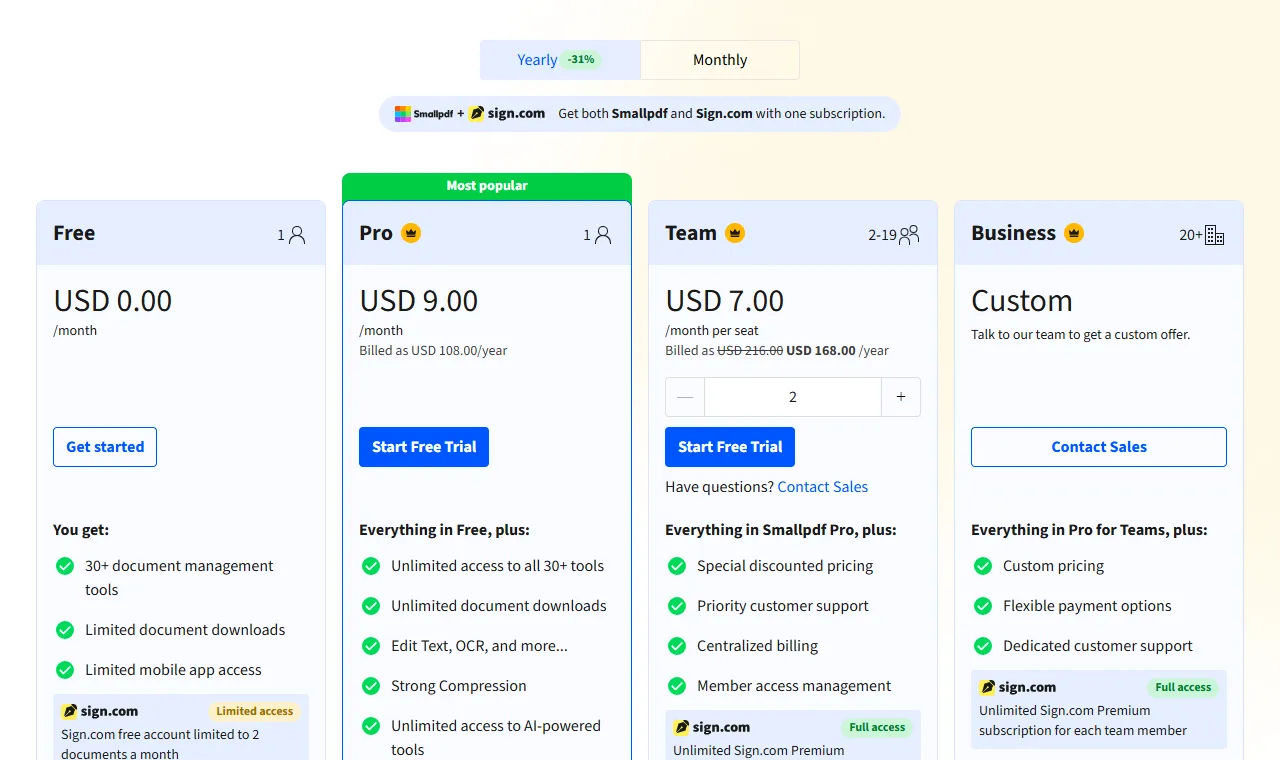
Smallpdf plans
| Plan | Free | Pro | Team | Business |
|---|---|---|---|---|
| Price | $0 | $12/monthor $9/month billed yearly ($108/year) | $10/seat/monthor $7/seat/month billed yearly (2–19 seats) | Custom20+ seats |
| Includes |
|
|
|
|
Note: Pro and Team start with a 7-day free trial that you can cancel at any time.
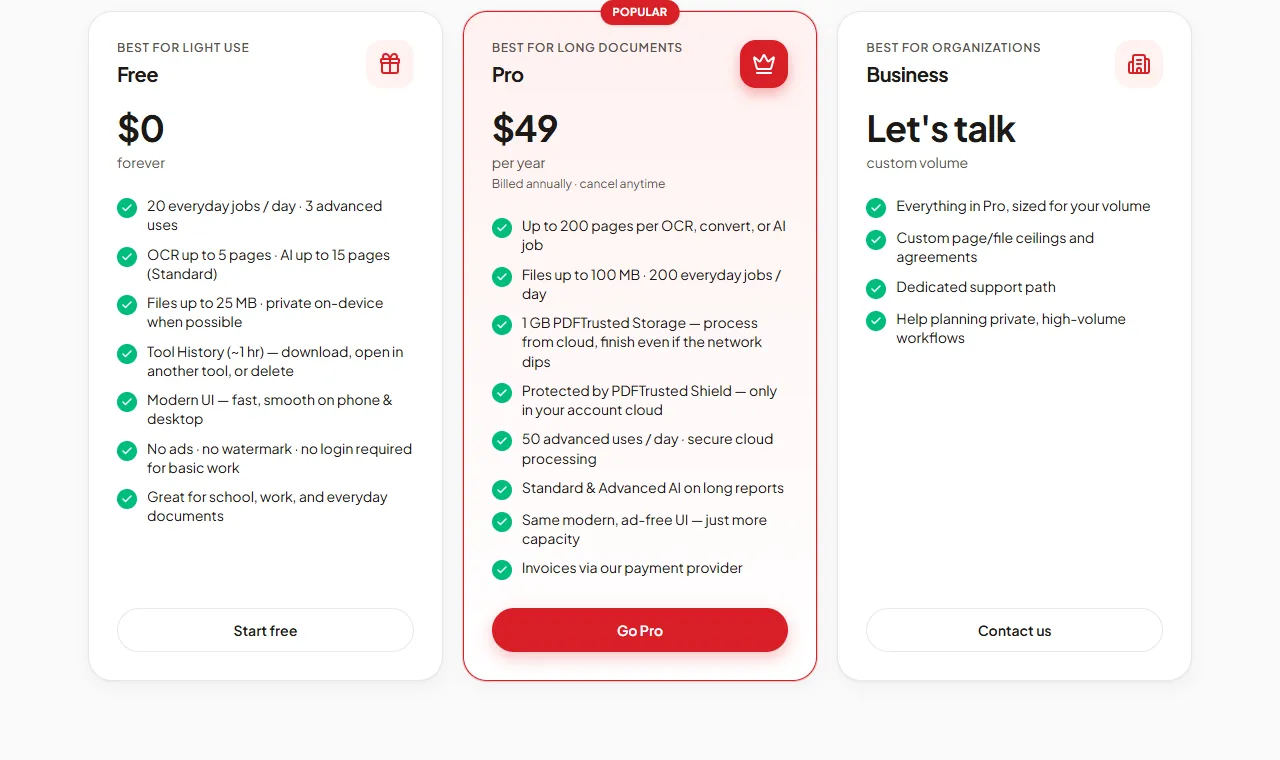
PDFTrusted plans
| Plan | Free | Pro | Business |
|---|---|---|---|
| Price | $0forever | $5.99/monthor $49/year | Customcustom volume |
| Includes |
|
|
|
Note: Payments run through our payment provider, with invoices on every paid plan. Cancel any time.
What the free plan includes: PDFTrusted gives 20 jobs a day; Smallpdf limits daily downloads
Smallpdf: The free plan includes 30+ tools with a daily download limit, limited AI use (documents up to 25–35k words) and a Sign.com free account for 2 documents a month.
PDFTrusted: The free plan includes 20 everyday jobs and 3 advanced uses (OCR, Office, AI) a day, files up to 25 MB, OCR up to 5 pages and AI up to 15 pages. There are no ads, no watermark and no sign-up needed for basic work.
Verdict: PDFTrusted costs roughly half as much. Smallpdf’s higher price includes unlimited AI, Sign.com Premium and native apps — worth it if you need those extras.
Smallpdf vs PDFTrusted: Pros & Cons
Smallpdf
Pros
- Clean, friendly interface with a minimal learning curve
- Unlimited AI tools on Pro: chat, summarize, translate, question generator
- Sign.com Premium for signature requests included in Pro
- ISO/IEC 27001 certified; GDPR, CCPA and nFADP compliant
- Mobile apps and a Windows app
- Team plans with centralized billing
Cons
- Free plan has a daily download limit
- Highest monthly price here: $12 per month
- Files are uploaded for processing (deleted after one hour)
- No Mac desktop app listed
PDFTrusted
Pros
- Twenty everyday tools run fully in your browser — those files are never uploaded
- Free plan with no ads, no watermark and no sign-up needed
- Lowest monthly price: $5.99 per month
- Server jobs (OCR, Office, AI) are deleted within one hour
- Built for phones as much as desktops
- AI chat, summarize and question generation with Standard and Advanced modes
Cons
- Smaller toolset: no redact, crop, compare, translate, PDF/A or form filler yet
- No desktop or native mobile apps — it runs in the browser
- No signature requests or audit trail; signing is for your own signature
- Pro files top out at 100 MB and 200 pages per job
- Newer brand without an ISO/IEC 27001 certificate
Final Verdict: Smallpdf vs PDFTrusted and Who Each Is Best For
Best for: People and small teams who want a polished all-in-one PDF app with unlimited AI tools, e-signature requests and mobile apps in one subscription.
PDFTrustedBest for: Students, professionals and anyone handling personal documents who want everyday PDF jobs done privately on their own device, ad-free, at the lowest monthly price.
The right choice depends on what you do with PDFs every week.
If you rely on AI translation, signature requests or native apps, Smallpdf’s Pro plan is worth it. If your work is everyday merging, compressing, converting and signing, PDFTrusted does it privately for roughly half the cost.
Use Smallpdf if:
- You want a polished, very guided interface for every task
- You use AI often — chat, summarize, translate and question generation are unlimited on Pro
- You need signature requests (Sign.com Premium is included in Pro)
- You want team plans with centralized billing
- You like to test first — Pro starts with a 7-day free trial
Use PDFTrusted if:
- You want everyday files (merge, compress, sign, protect) processed on your own device, never uploaded
- You want a free plan with no ads, no watermark and no sign-up
- You want the lowest monthly price: $5.99
- You work in one of 18 languages with native, localized tool pages
- Your documents are up to 200 pages and 100 MB
Frequently Asked Questions
What is a good free alternative to Smallpdf?
PDFTrusted is a free alternative for everyday PDF work. Its free plan gives 20 jobs a day with no ads, no watermark and no sign-up, and tools like merge, compress, sign and protect run on your device.
Is PDFTrusted cheaper than Smallpdf?
Yes. PDFTrusted Pro is $5.99 a month or $49 a year. Smallpdf Pro is $12 a month or $9 a month billed yearly ($108). Smallpdf’s price includes unlimited AI and Sign.com Premium.
Is Smallpdf safe?
Smallpdf is ISO/IEC 27001 certified and GDPR, CCPA and nFADP compliant. It uses TLS encryption and deletes files from its servers after one hour. PDFTrusted avoids uploading everyday files at all.
What does Smallpdf have that PDFTrusted doesn’t?
Translation, signature requests through Sign.com, redaction, crop, flatten, a form filler, mobile and Windows apps, and team plans with centralized billing.
How we compared and sources
We used each product’s public website as a regular visitor would, and took every price, limit and security claim from the company’s own pages on October 1, 2026. Star ratings are our editorial judgment of how well each product serves that area, and we gave competitors the top score wherever they lead. Screenshots show each product’s public pages as they appeared that day.
- Smallpdf pricing
- About Smallpdf
- Smallpdf Compress PDF
- Smallpdf Merge PDF
- PDFTrusted pricing
- PDFTrusted security
iLovePDF and Smallpdf are trademarks of their respective owners. This page is not affiliated with or endorsed by them.