Foxit PDF Editor vs PDFTrusted: Desktop Suite or Browser Toolbox?
Facts checked on · By the PDFTrusted team
Foxit is the alternative Acrobat users have been recommended for years: a desktop editor that costs less than Adobe, still sells a perpetual licence, and bundles document management with the subscription. PDFTrusted is the opposite shape — a browser toolbox that does the everyday jobs on your own device and costs $5.99 a month.
So this is not a contest of features. It is a question of whether you need an installed editor with redaction and document management, or a private shortcut for merging, compressing, converting and signing files. We read Foxit's own product, pricing and privacy pages and compared them with what PDFTrusted actually runs.
Transparency note: PDFTrusted wrote this comparison, so we have tried hard to be fair. Competitor prices and features come from their own public pages, linked in Sources. If anything has changed, tell us and we will update it.
Executive Summary: Our Recommendation
👉 Foxit PDF Editor wins on desktop depth and ownership: a Windows and macOS editor with OCR, PDF/A, accessibility validation, version compare, AI Smart Redact on Editor+ and Foxit DMS included — and it is the only product here that still sells a perpetual licence.
👉 PDFTrusted wins on privacy, price and simplicity: the everyday tools never upload the file, there is no account for basic work, and Pro is $5.99 a month or $49 a year with no minimum term.
We compared them across 3 areas:
💡 Tip: A common split: keep Foxit PDF Editor+ for redaction, accessibility checks and document management on the desktop, and use PDFTrusted for the files you would rather not upload at all — IDs, statements, contracts you only need to merge or compress.
Comparison Summary: Foxit PDF Editor vs PDFTrusted
Stars show how strong each product is in that area. 🏆 marks the leader when there is one.
 PDFTrusted
Tools and depth
Desktop suite: Editor, OCR, PDF/A, compare, Smart Redact, DMS.
Everyday: The daily jobs, done in the browser without an upload.
Privacy and file handling
Local on desktop: Desktop editing stays on the machine; cloud uploads are transitional and short-lived.
No upload: On-device tools never send the file anywhere.
Price and commitment
Per seat: Cheaper than Acrobat per user, on an annual commitment.
Lowest: $5.99 a month or $49 a year, cancel any time.
Best for
People who edit PDFs on a desktop and want redaction, document management and a one-off purchase option, plus teams replacing Acrobat without Adobe's price.
Open FoxitStudents, professionals and anyone handling personal documents who want everyday PDF jobs done privately on their own device, ad-free, at the lowest monthly price.
Try PDFTrusted freeFoxit PDF Editor vs PDFTrusted at a Glance
| Feature | Foxit PDF Editor | PDFTrusted |
|---|---|---|
| Free option | PDF Reader (read, annotate, fill and sign) | 20 jobs a day, no account |
| Paid plan (yearly) | $129.99 (Editor), $159.99 (Editor+) | $49 |
| Paid plan (monthly) | From $10.99 | $5.99 |
| One-off licence | $209.99 (Editor 14) | Not offered |
| Free trial | 14 days, no card | Free plan, no card |
| Desktop app | Windows and macOS | No — browser only |
| Mobile apps | iOS and Android (Editor+) | No |
| AI redaction | Smart Redact (Editor+) | Manual redaction tool |
| Document management | Foxit DMS and unlimited cloud storage | Not offered |
| Where files are processed | Locally on desktop; cloud for web and services | On your device for on-device tools |
| Cancel or leave | Annual or monthly billing | Any time, no fee |
| Compliance claims | SOC 2 Type 2, HIPAA, GDPR, Section 508/ADA, TAA, VPAT | None claimed — controls described instead |
Prices for one user, before tax, as the vendor listed them on October 18, 2026 — Adobe and Sejda show local currency by region.
What is Foxit PDF Editor?
“The #1 alternative to Adobe Acrobat”
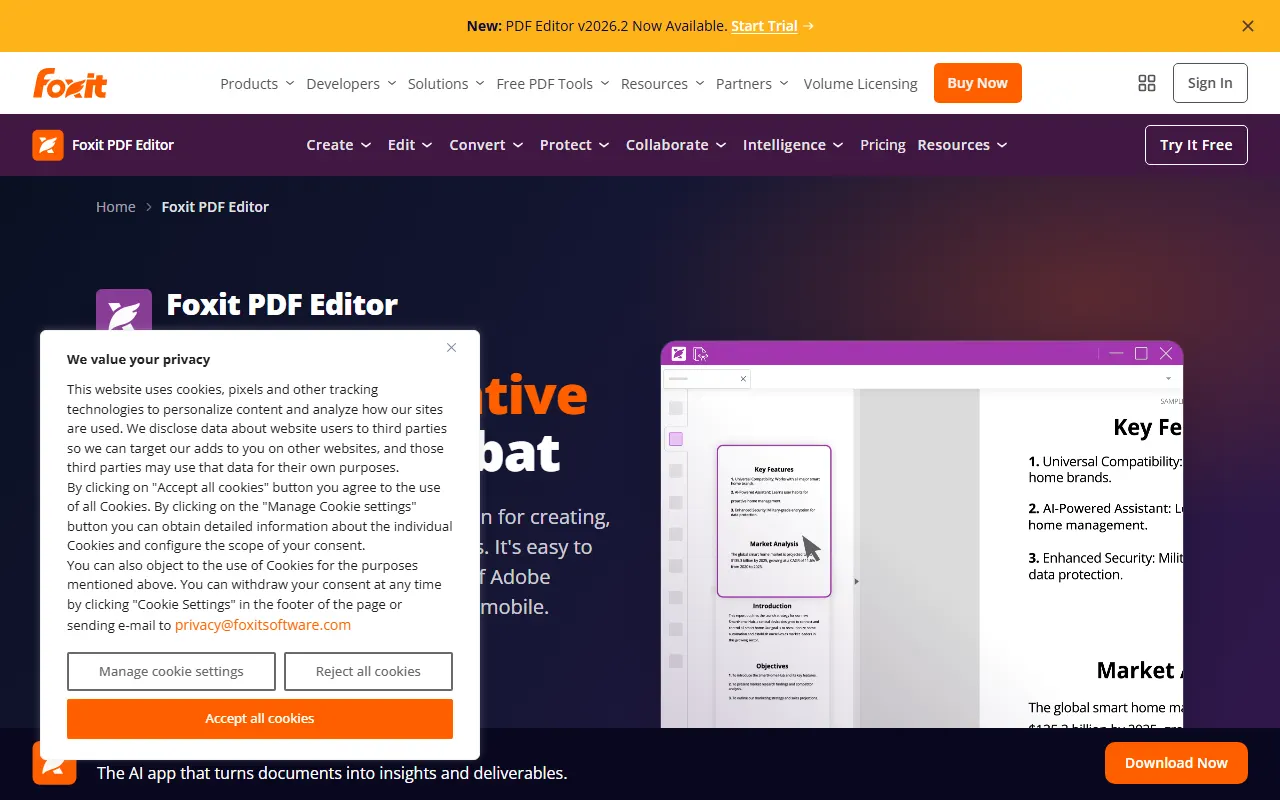
Foxit is the oldest serious alternative to Acrobat: a US company based in Fremont, California, with a European office in Berlin, selling a desktop PDF editor on Windows and macOS alongside a web app.
It markets itself directly against Adobe — “the #1 alternative to Adobe Acrobat”, 44% lower cost per licence — and keeps two things Adobe dropped: a perpetual licence and a free trial that does not ask for a card.
Every subscription bundles Foxit DMS with unlimited cloud storage and 300 AI credits a month, and the company sells its own eSign product, mobile apps and an admin console alongside the editor.
Best for: People who edit PDFs on a desktop and want redaction, document management and a one-off purchase option, plus teams replacing Acrobat without Adobe's price.
What is PDFTrusted?
“Free PDF tools for every task, on any device”
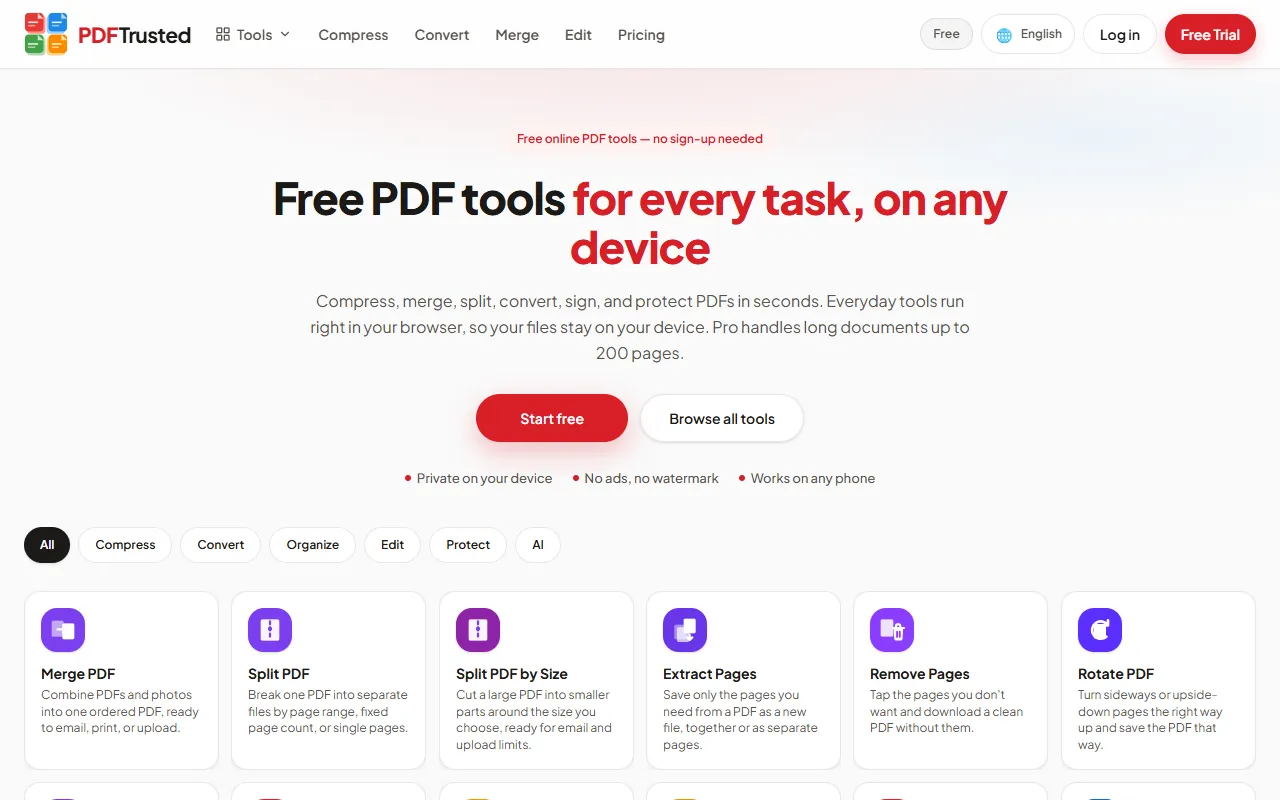
PDFTrusted is a newer, privacy-first PDF toolkit with 37 tools for organizing, compressing, converting, editing, signing, protecting and AI work. It is available in 18 languages and works in any modern browser on phone or desktop.
Its difference is where files go. Twenty everyday tools — merge, split, organize, compress, edit, sign, watermark, protect, unlock, image tools and more — run entirely inside your browser, so those files are never uploaded. OCR, Office conversion and AI run on a secure server, and those files are deleted within one hour.
The free plan has no ads, no watermark and needs no account for basic work. Pro is $5.99 a month or $49 a year and raises jobs to 200 pages, files to 100 MB, and adds 1 GB of storage.
Best for: Students, professionals and anyone handling personal documents who want everyday PDF jobs done privately on their own device, ad-free, at the lowest monthly price.
Foxit PDF Editor vs PDFTrusted: Tools and depth
Foxit is a desktop suite with OCR, PDF/A, accessibility validation, version compare and AI redaction; PDFTrusted covers the everyday jobs with nothing to install.
PDFTrustedFoxit sells a program you install; PDFTrusted sells a page you open. Both finish the routine jobs, so the real question is whether you need editing that only a desktop application does well.
Everyday jobs: both do them; only PDFTrusted does them without installing anything
Foxit PDF Editor: Merge, split, rotate, crop, compress and the Word/Excel/PowerPoint conversions all sit in the desktop editor, and the web app mirrors the common ones. The free PDF Reader opens, prints, annotates and fills forms, but editing text and pages needs a paid plan.
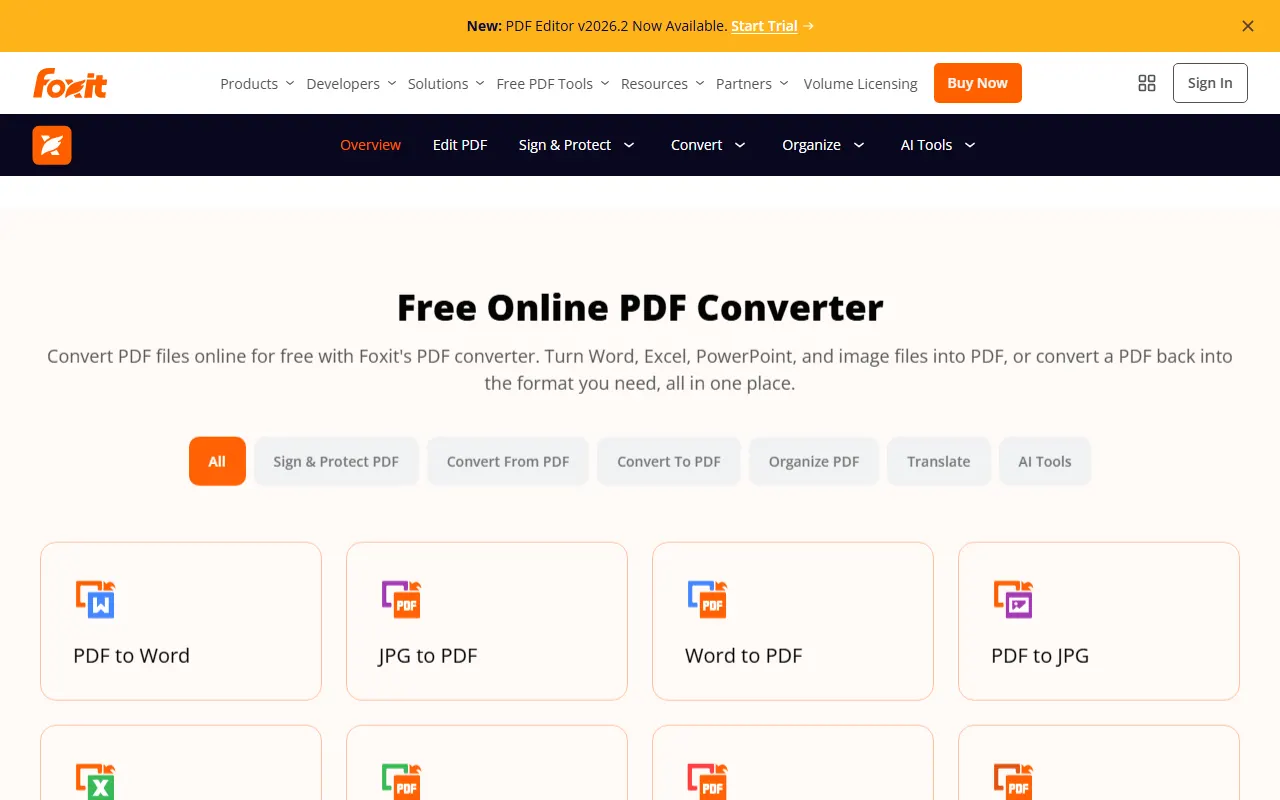
PDFTrusted: Merge, split, compress, rotate, crop, page numbers, watermark, protect, unlock and the conversion set all run in the browser. Nothing is installed, and for the on-device tools the file never leaves your machine.
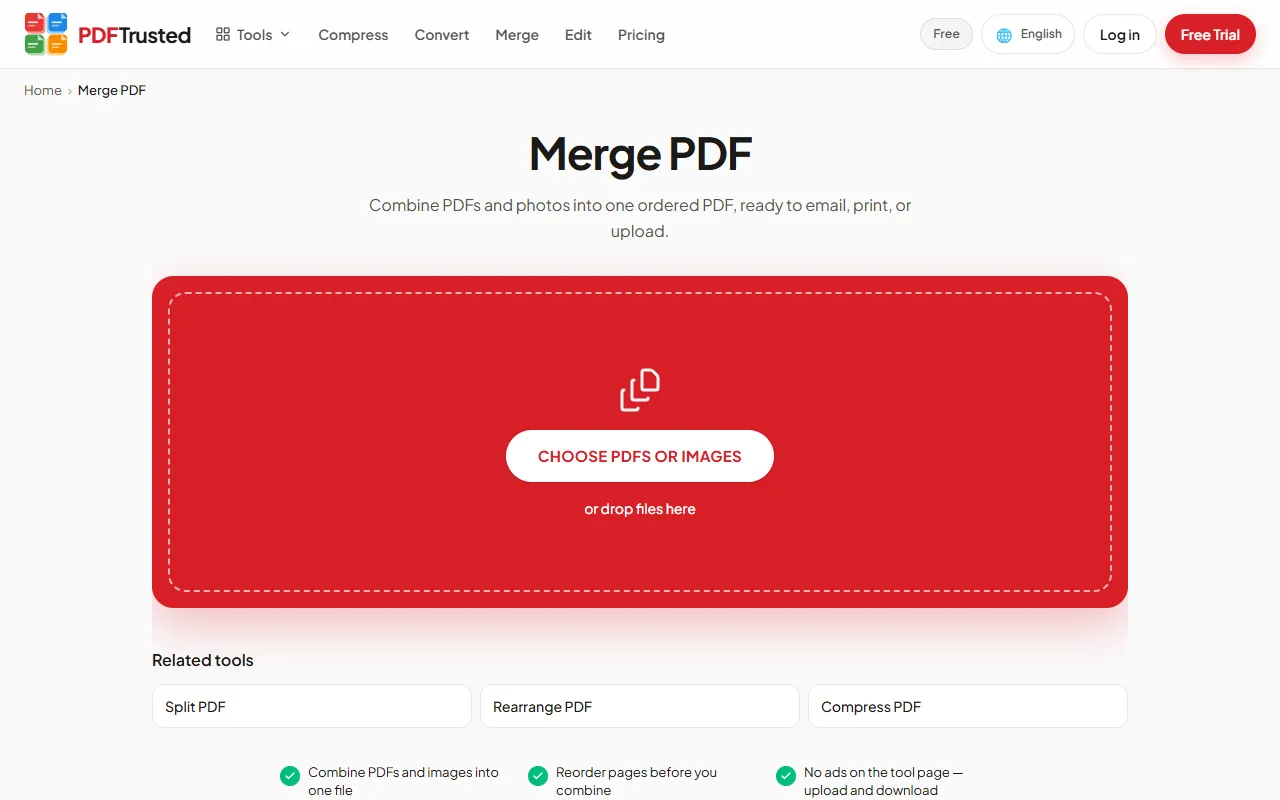
Specialist work and AI: Foxit wins on desktop depth and AI; PDFTrusted covers redaction and comparison without the install
Foxit PDF Editor: Subscriptions include OCR, PDF/A and PDF/X compliance, accessibility validation, version compare and 300 AI credits a month. Editor+ adds AI Smart Redact, which detects personal data automatically, plus 150 eSign envelopes a year with tracked signature requests.
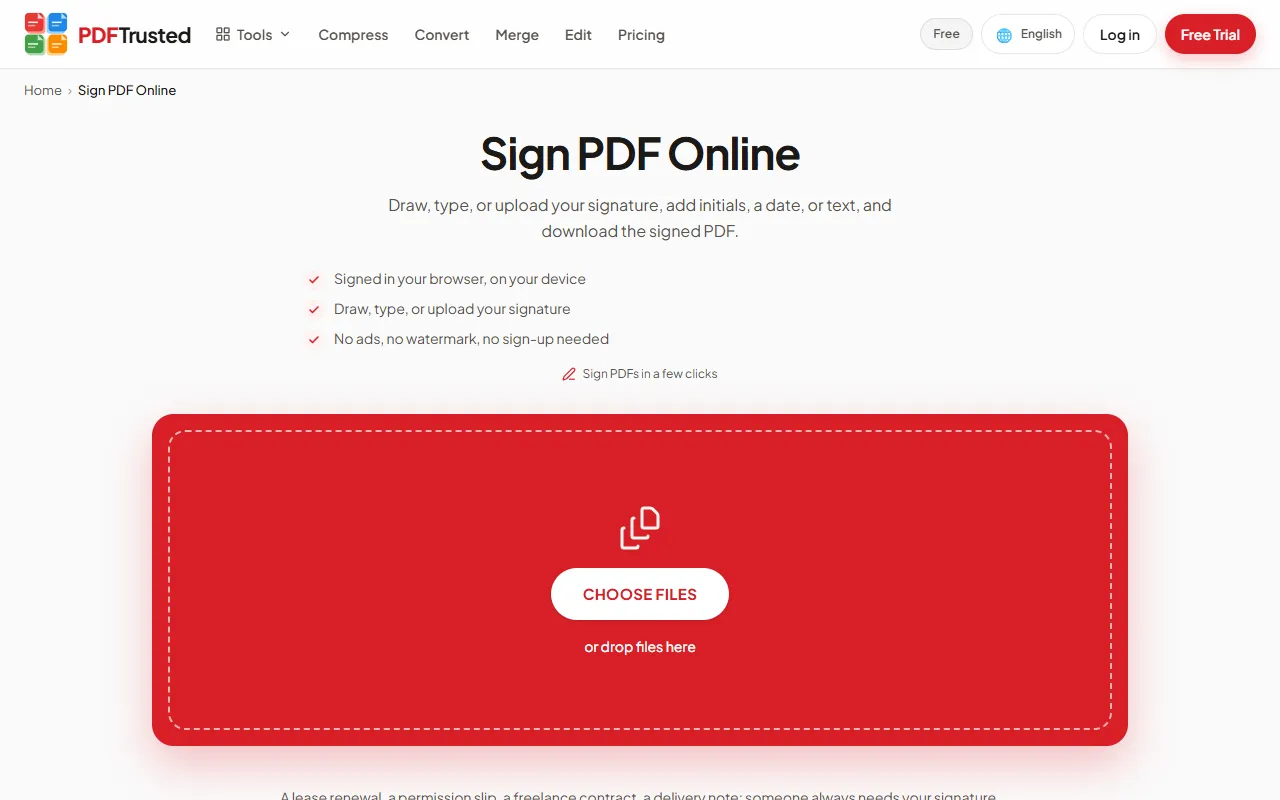
PDFTrusted: PDFTrusted has redaction, PDF comparison, signing, OCR and PDF/A, but no AI detection of personal data, no accessibility validation, no document management system and no desktop or mobile app.
Verdict: Foxit is the better desktop application, and that is what its price buys. PDFTrusted is the faster route for the jobs most people open a PDF tool for.
Foxit PDF Editor vs PDFTrusted: Privacy and file handling
Foxit edits locally on the desktop and publishes a clear retention promise for cloud uploads; PDFTrusted removes the upload entirely for its on-device tools.
PDFTrustedBoth companies say sensible things about documents. The difference is structural: one ships an application that runs on your computer, the other keeps the processing inside the browser tab.
Where the work happens: Foxit is local on the desktop and cloud on the web; PDFTrusted stays in your browser
Foxit PDF Editor: Editing on Windows and macOS happens inside the desktop app, so the document does not leave the machine. Anything done in the web app, in eSign or through the AI Assistant is a cloud service: Foxit's privacy policy says uploaded files are deleted once the process completes and output files are typically deleted within one day.
PDFTrusted: Everyday tools — merge, split, compress, rotate, crop, organise, page numbers, watermark, protect and the image conversions — run inside the browser tab on your own device. Server capacity is used only for the jobs that genuinely need it, and the page says which is which.
What the vendor commits to in writing: both are unusually explicit — Foxit in its policy, PDFTrusted on its security page
Foxit PDF Editor: Foxit's privacy policy (revised 8 October 2026) states that no backups are made of transitional uploads or their output, that content is not monitored without explicit permission, and that documents are not used to train AI models unless the customer authorises it. Account and transaction records are kept for ten years, and its servers sit in the US, Germany, Canada, Australia and Japan.
PDFTrusted: PDFTrusted's security page describes what is actually enforced — on-device processing for the everyday tools, uploads only where a server is required — and claims no certification we do not hold. Both approaches beat a policy that says nothing at all.
Verdict: Foxit's desktop path is genuinely local and its policy is specific. PDFTrusted's advantage is that the default never uploads the file in the first place.
Foxit PDF Editor vs PDFTrusted: Price and commitment
Foxit charges $129.99–$159.99 per user per year and still sells a perpetual licence; PDFTrusted is $5.99 a month or $49 a year with no minimum term.
PDFTrustedFoxit's pitch is that it does Acrobat's job for less. Measured against a browser toolbox, though, it is still professional software at a professional price — with one option nobody else here offers.
Foxit PDF Editor plans
| Plan | PDF Reader | PDF Editor | PDF Editor+ | PDF Editor 14 |
|---|---|---|---|---|
| Price | Freeno card | $129.99/user/yearannual, or monthly from $10.99 | $159.99/user/yearadds mobile and eSign | $209.99 onceperpetual, Windows and macOS |
| Includes |
|
|
|
|
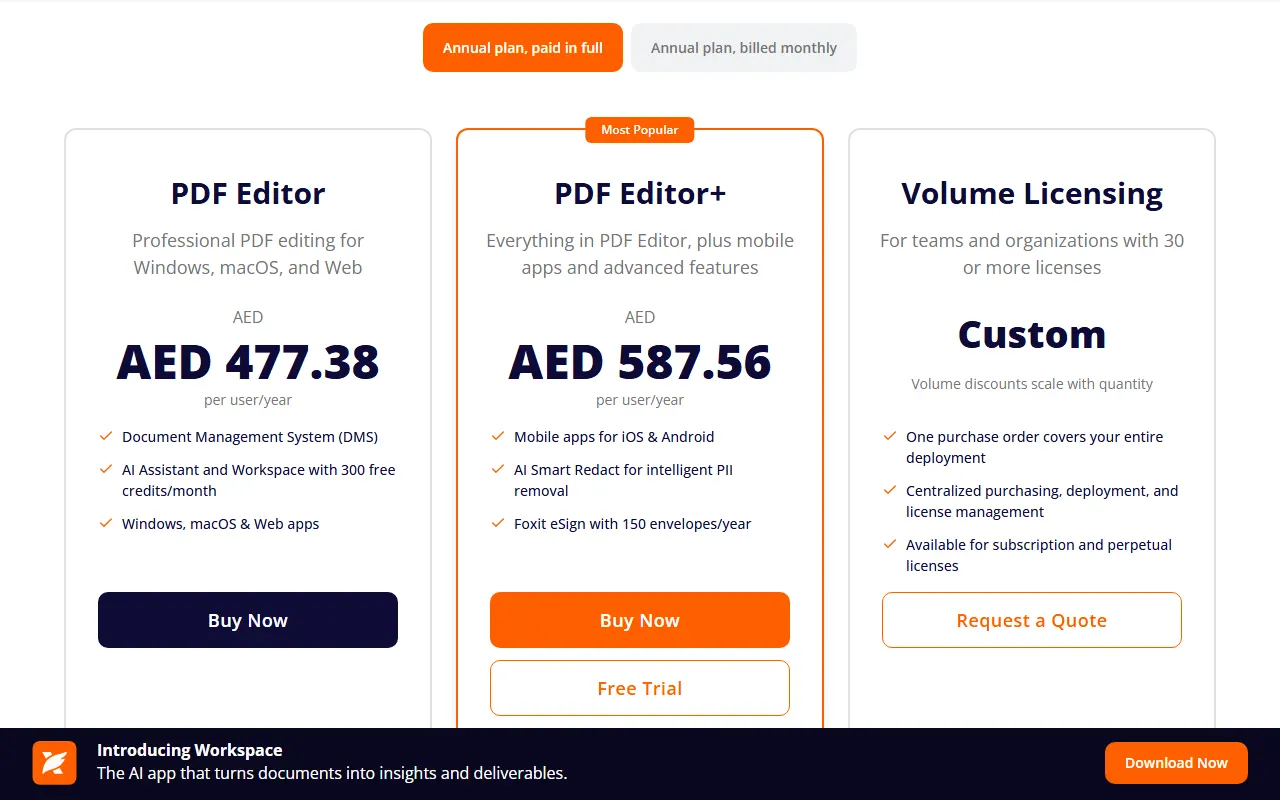
Note: USD list prices from Foxit's own pricing FAQ on 2026-10-18. The same page showed this region AED 477.38 (PDF Editor), AED 587.56 (Editor+) and AED 771.18 (perpetual). Volume discounts reach 30% from 30 licences; the trial is 14 days with no card.
PDFTrusted plans
| Plan | Free | Pro | Business |
|---|---|---|---|
| Price | $0forever | $5.99/monthor $49/year | Customcustom volume |
| Includes |
|
|
|
Note: Payments run through our payment provider, with invoices on every paid plan. Cancel any time.
Subscription pricing: Foxit is cheaper than Acrobat, not cheap; PDFTrusted is cheaper than both
Foxit PDF Editor: PDF Editor is $129.99 per user per year and PDF Editor+ $159.99, with monthly billing from $10.99. In this region Foxit showed AED 477.38 and AED 587.56 on 2026-10-18. Volume discounts reach 30% from 30 licences, and Foxit's own comparison puts Editor+ at $159.99 against $287.88 for Acrobat Pro for Teams.
PDFTrusted: Pro is $5.99 a month or $49 a year, and the free plan allows 20 everyday jobs a day plus 3 advanced uses. Those are the limits the product actually enforces, not a marketing figure.
Own it forever, or leave in a click: Foxit sells a real perpetual licence; PDFTrusted sells the smallest commitment
Foxit PDF Editor: The perpetual licence is $209.99 one-time (AED 771.18 in this region). It is a genuine escape from subscriptions, but it excludes AI Assistant, Workspace, Smart Redact, DMS and every cloud feature — so the parts most people want from Foxit today are subscription-only.
PDFTrusted: There is no minimum term: Pro runs month to month or year to year, and cancelling stops the next renewal without a fee. Nothing in the product is reserved for an annual commitment.
Verdict: If you need a desktop editor, Foxit is the cheapest credible way to get one. If you need the everyday jobs, paying per seat per year is a lot of money for work a browser tab can do.
Foxit PDF Editor vs PDFTrusted: Pros & Cons
Foxit PDF Editor
Pros
- A full desktop editor for Windows and macOS, with a web app on the same account
- A perpetual licence still exists — Adobe no longer sells one to new customers
- Foxit DMS and unlimited cloud storage are included with every subscription
- AI Smart Redact finds personal data automatically on Editor+
- 14-day trial, no card required
Cons
- Priced per user per year — far more than a browser toolbox for occasional work
- Mobile apps, Smart Redact and eSign envelopes sit behind the more expensive Editor+ plan
- The perpetual licence excludes AI Assistant, Workspace, Smart Redact, DMS and all cloud features
- Web and service uploads pass through Foxit's own servers, which its privacy policy places in five countries
PDFTrusted
Pros
- Twenty everyday tools run fully in your browser — those files are never uploaded
- Free plan with no ads, no watermark and no sign-up needed
- Lowest monthly price: $5.99 per month
- Server jobs (OCR, Office, AI) are deleted within one hour
- Built for phones as much as desktops
- AI chat, summarize and question generation with Standard and Advanced modes
Cons
- Smaller toolset: no redact, crop, compare, translate, PDF/A or form filler yet
- No desktop or native mobile apps — it runs in the browser
- No signature requests or audit trail; signing is for your own signature
- Pro files top out at 100 MB and 200 pages per job
- Newer brand without an ISO/IEC 27001 certificate
Final Verdict: Foxit PDF Editor vs PDFTrusted and Who Each Is Best For
Best for: People who edit PDFs on a desktop and want redaction, document management and a one-off purchase option, plus teams replacing Acrobat without Adobe's price.
PDFTrustedBest for: Students, professionals and anyone handling personal documents who want everyday PDF jobs done privately on their own device, ad-free, at the lowest monthly price.
One is a desktop application you own. The other is a job you finish in a tab.
If your work is editing and governing documents, Foxit is the cheaper credible Acrobat replacement and its perpetual licence is a real option. If your work is finishing documents — merge, split, compress, convert, sign, protect — a browser tool that never uploads them is both cheaper and quieter.
Use Foxit PDF Editor if:
- You edit PDFs daily on Windows or macOS and want a familiar ribbon interface
- You need redaction, version compare, PDF/A or accessibility validation inside a desktop app
- You want to own the software outright with a perpetual licence
- You are replacing Acrobat across a team and want DMS, SSO and an admin console
- You want a 14-day trial with no credit card
Use PDFTrusted if:
- You want everyday files (merge, compress, sign, protect) processed on your own device, never uploaded
- You want a free plan with no ads, no watermark and no sign-up
- You want the lowest monthly price: $5.99
- You work in one of 18 languages with native, localized tool pages
- Your documents are up to 200 pages and 100 MB
Frequently Asked Questions
How much does Foxit PDF Editor cost?
Foxit lists PDF Editor at $129.99 per user per year and PDF Editor+ at $159.99, with monthly billing from $10.99. In this region its pricing page showed AED 477.38 and AED 587.56 on 2026-10-18, plus a perpetual PDF Editor 14 licence at AED 771.18 ($209.99). Volume discounts reach 30% from 30 licences.
Is there a free version of Foxit?
Yes — Foxit PDF Reader is free and covers reading, printing, annotating and filling forms, and Foxit says every account includes 300 AI credits a month. Editing text and pages needs a paid plan, and the Editor+ trial runs 14 days without a credit card.
Can I use Foxit without installing anything?
Partly. Foxit's subscriptions include a web app for the common jobs, but the full editor is a Windows and macOS application. PDFTrusted is the opposite: everything happens in the browser, and for the on-device tools the file never leaves your machine.
What happens to files uploaded to Foxit's cloud?
Foxit's privacy policy says uploaded files are deleted once the process completes and output files are typically deleted within one day, that no backups are made of those transitional files, and that documents are not used to train AI models unless the customer authorises it. Account and transaction records are kept for ten years.
Is Foxit cheaper than Adobe Acrobat?
By Foxit's own published comparison, PDF Editor+ is $159.99 per user per year against $287.88 for Acrobat Pro for Teams — the 44% saving Foxit advertises. Compared with a browser toolbox the sums are different: PDFTrusted Pro is $49 a year for one person.
How we compared and sources
We used each product’s public website as a regular visitor would, and took every price, limit and security claim from the company’s own pages on October 18, 2026. Star ratings are our editorial judgment of how well each product serves that area, and we gave competitors the top score wherever they lead. Screenshots show each product’s public pages as they appeared that day.
- Foxit PDF Editor
- Foxit PDF Editor pricing
- Foxit privacy policy (cloud file handling)
- PDFTrusted pricing
- PDFTrusted security
iLovePDF and Smallpdf are trademarks of their respective owners. This page is not affiliated with or endorsed by them.